MobileApp
The AI receptionist in your pocket
Every call is a chance to grow. SquawkVoice makes sure you never miss one. It answers instantly, captures leads, and books jobs while you're busy doing the work that matters.
Free trial
Set up in 5 minutes
No commitment
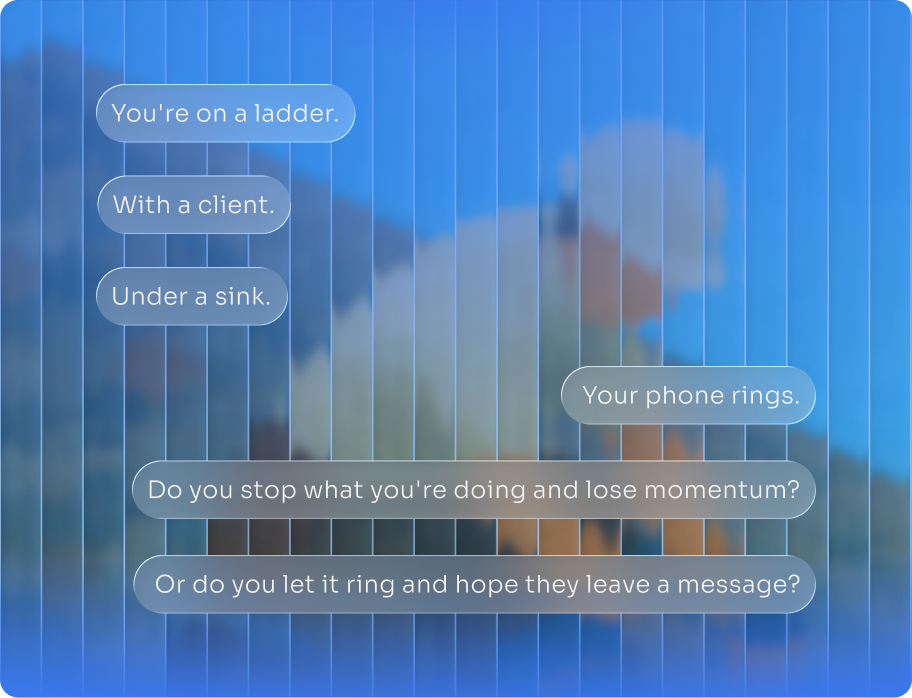
You're losing jobs because you can't pick up the phone.
You shouldn't have to choose between doing the work and getting the work. SquawkVoice makes sure you can do both.
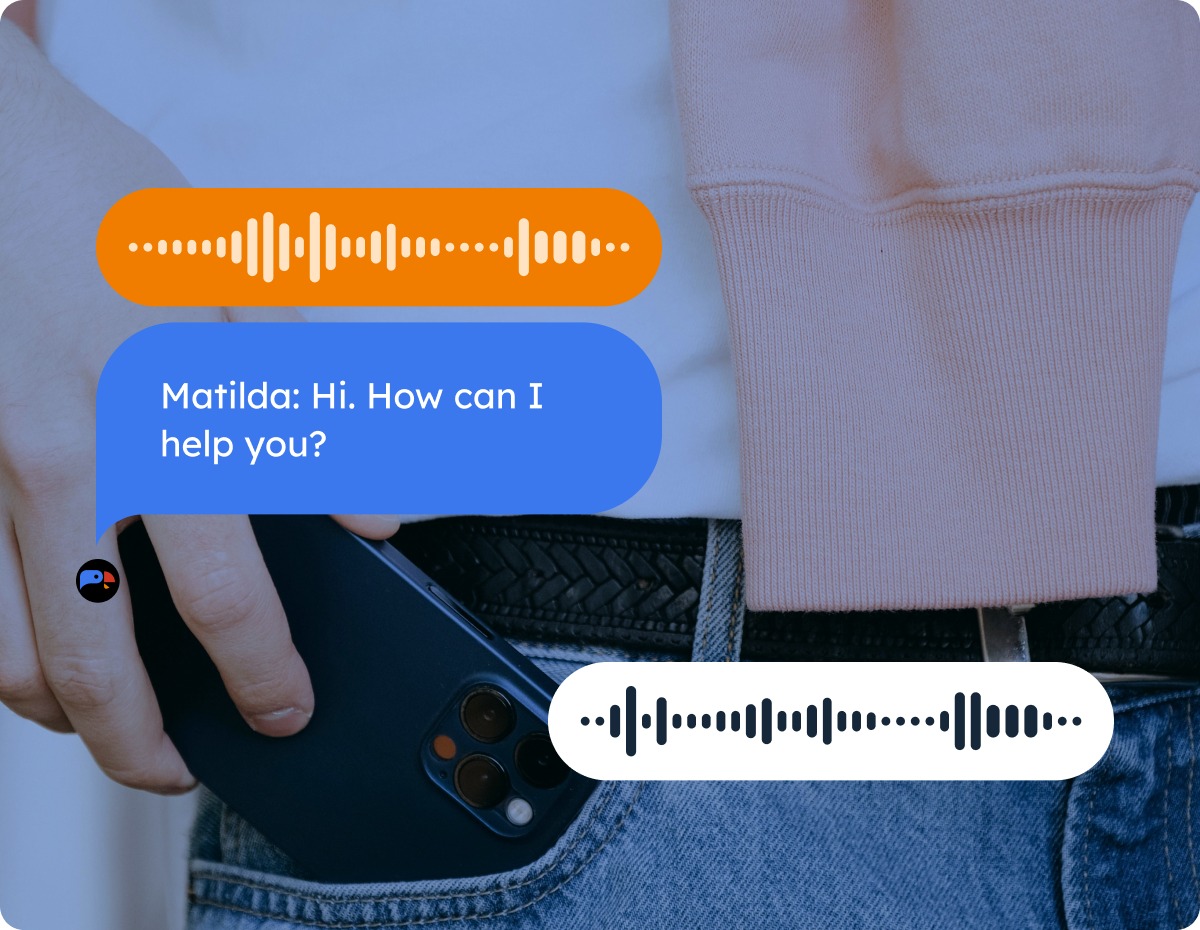
Your AI receptionist. Always on. Always professional. Always in your pocket.
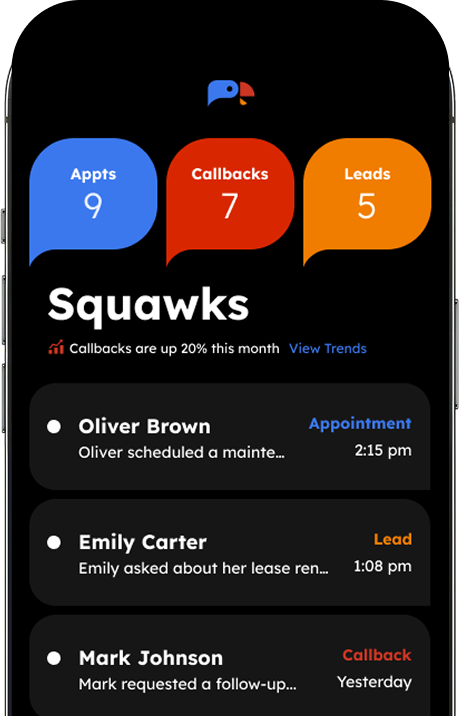
SquawkVoice answers every call with natural conversation. Books appointments directly to your calendar. Captures lead details. Handles routine questions. All from the app in your pocket.
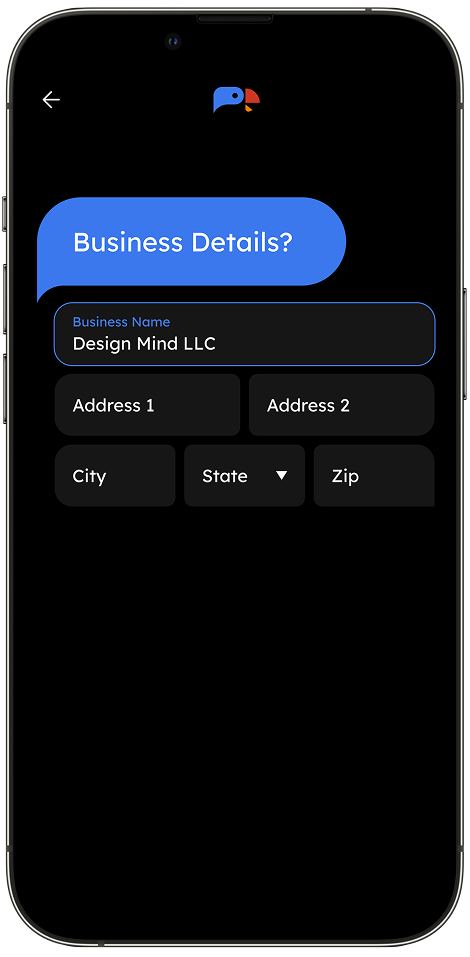
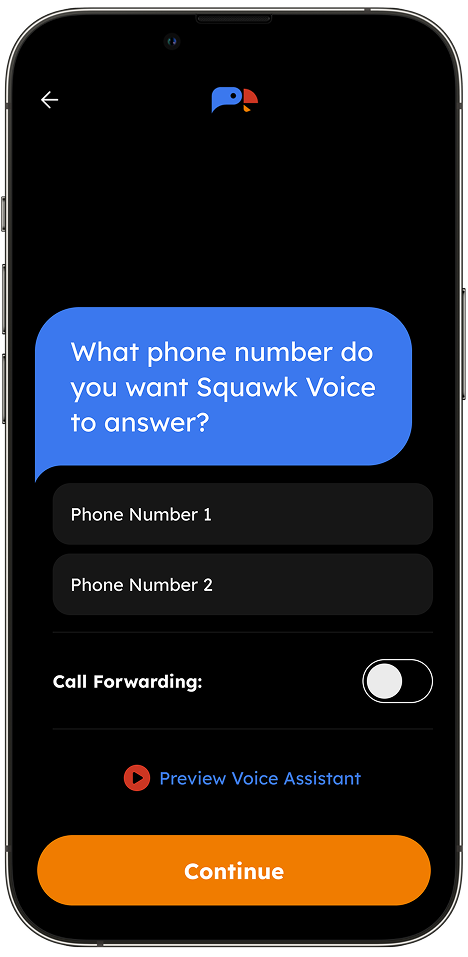
- Set it up in 5 minutes from your phone.
- Manage everything from your pocket.
- Never wonder what that missed call wanted again.
What SquawkVoice Handles
Answers Every Call — 24/7
Your customers talk to SquawkVoice like they’re talking to your front desk. Natural conversation. No robotic menus. No awkward pauses. They ask questions. SquawkVoice answers. They need an appointment? It gets scheduled.
Books Appointments Automatically
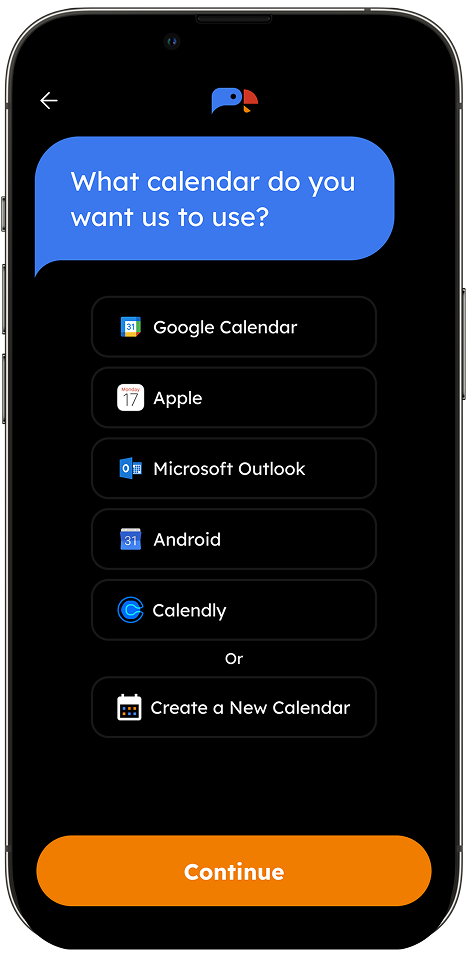
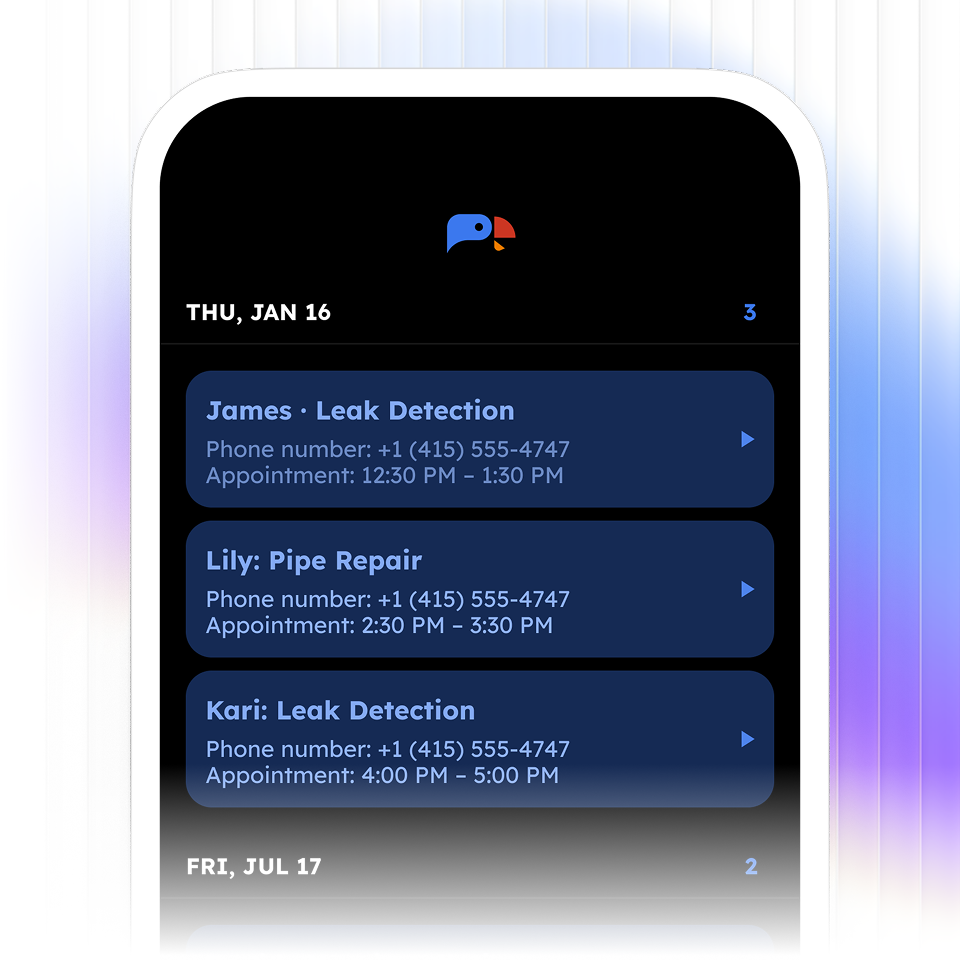
Checks your calendar in real-time. Finds available slots. Books the appointment. Sends text confirmation. All while you're working.
Captures Every Lead
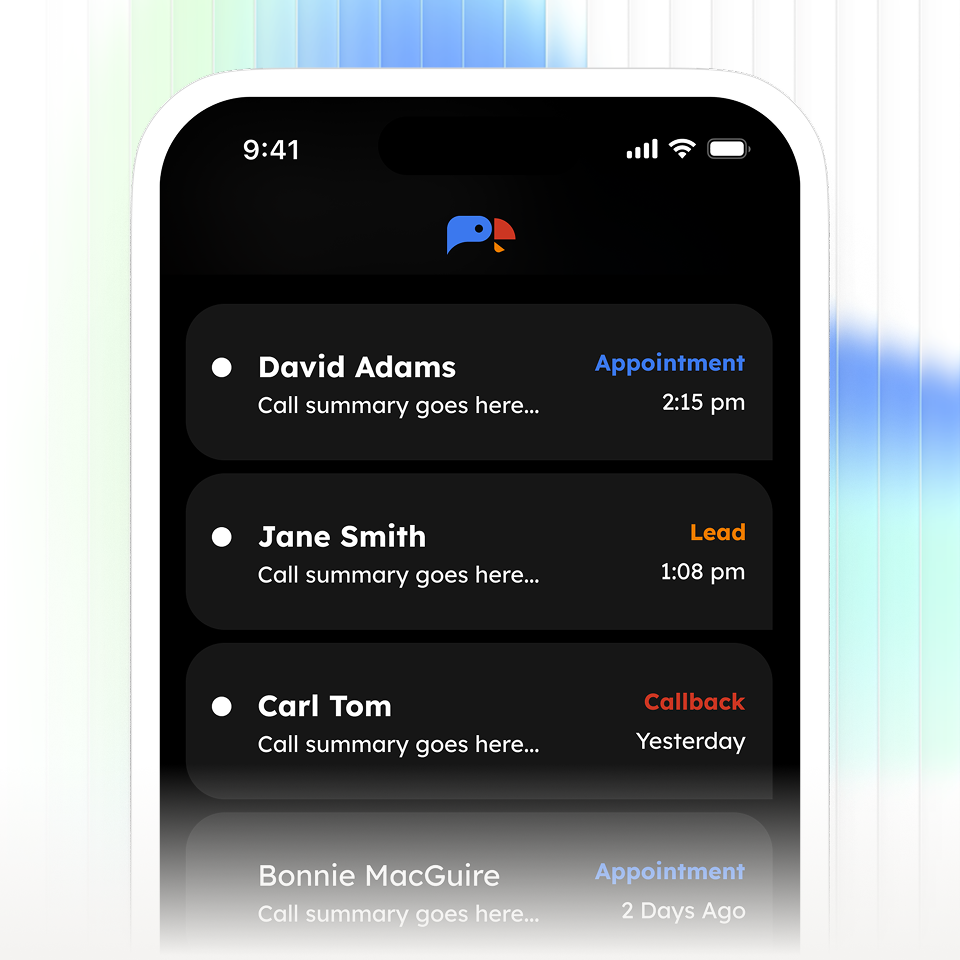
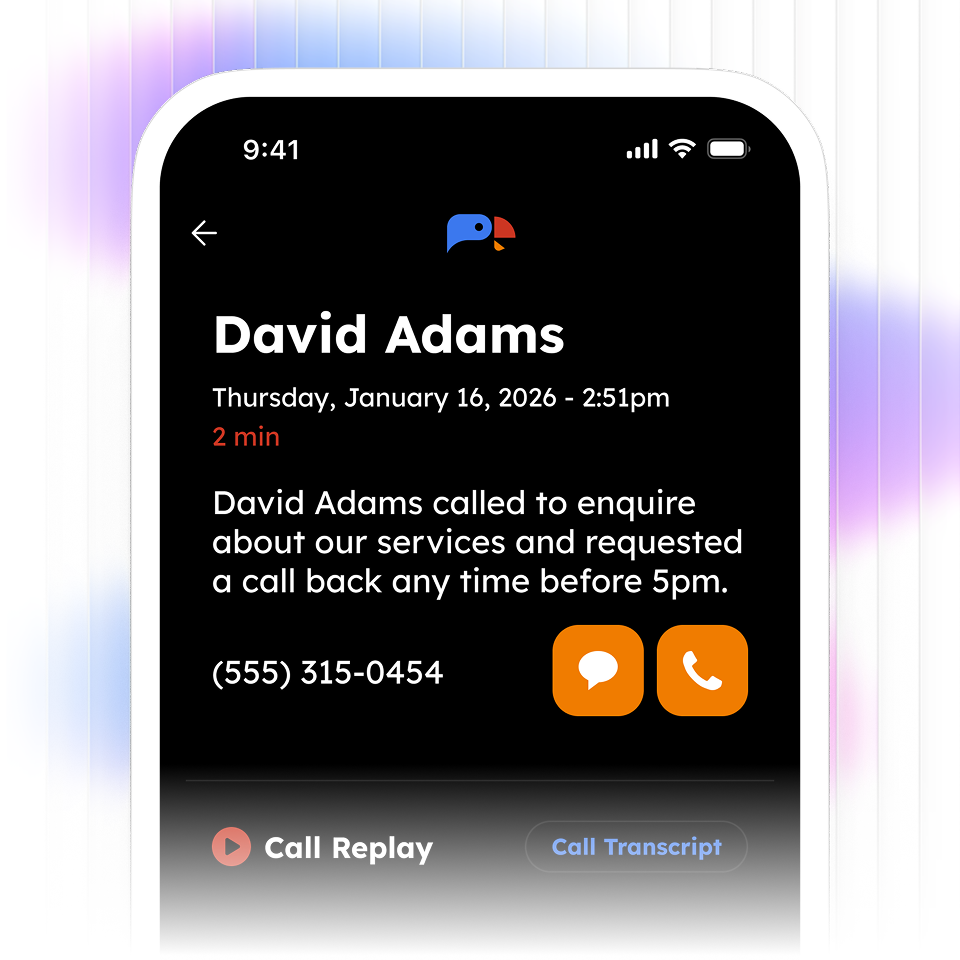
Built-in CRM creates a contact for every caller. Name, number, what they need, when they called, full transcript, call recording. Everything in one place.
Handles Routine Questions
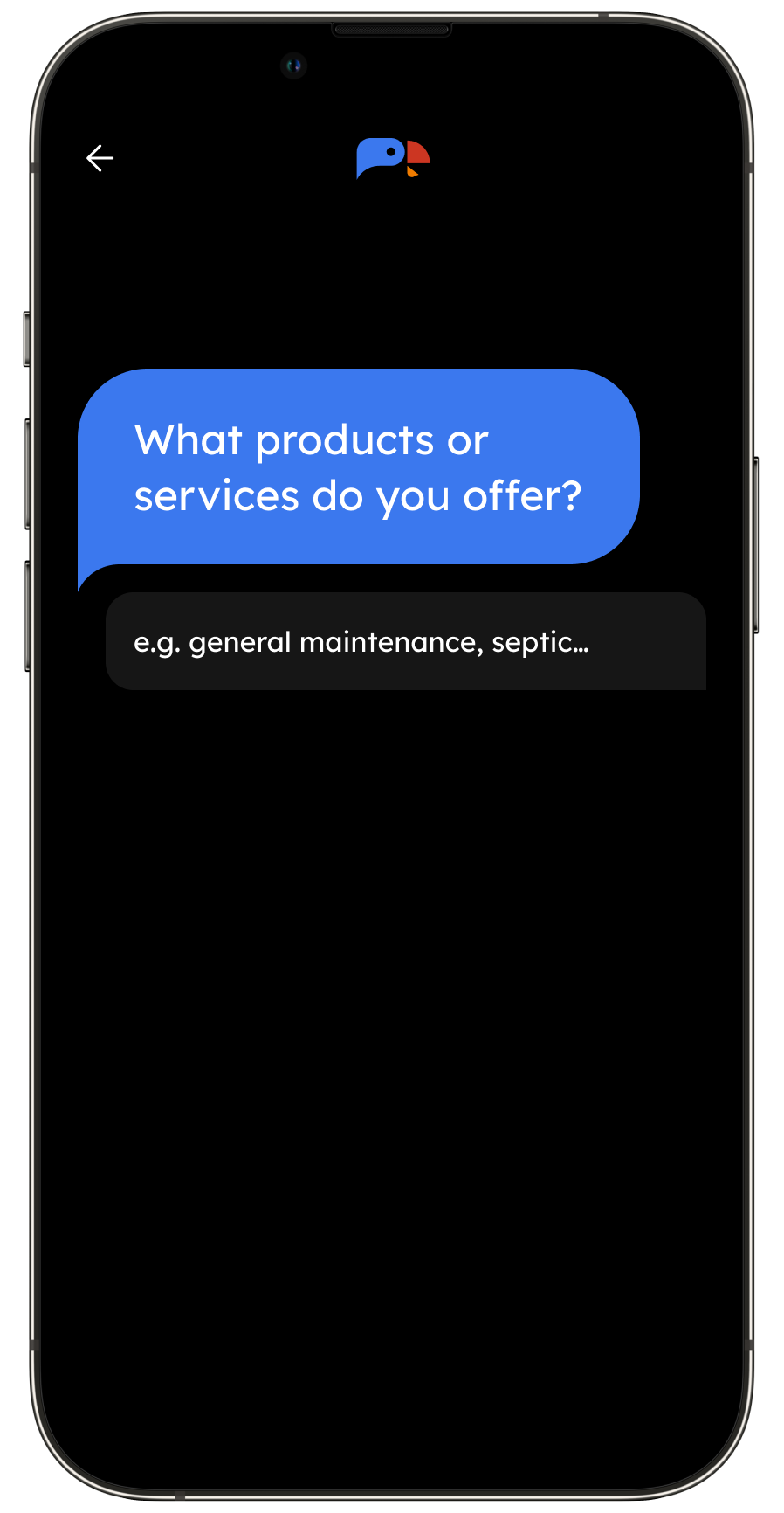
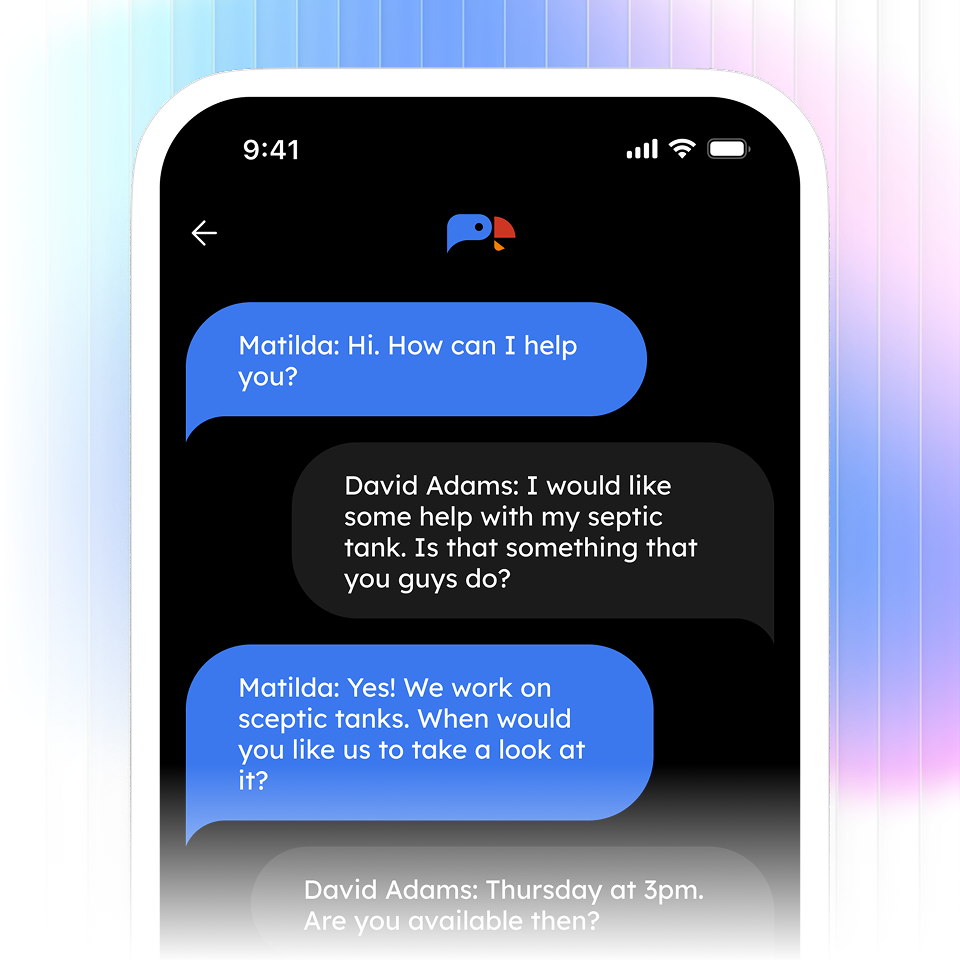
"What are your hours?" "Do you serve my area?" "How much does it cost?" "Are you available today?" You teach SquawkVoice once. It answers forever.
Speaks Their Language
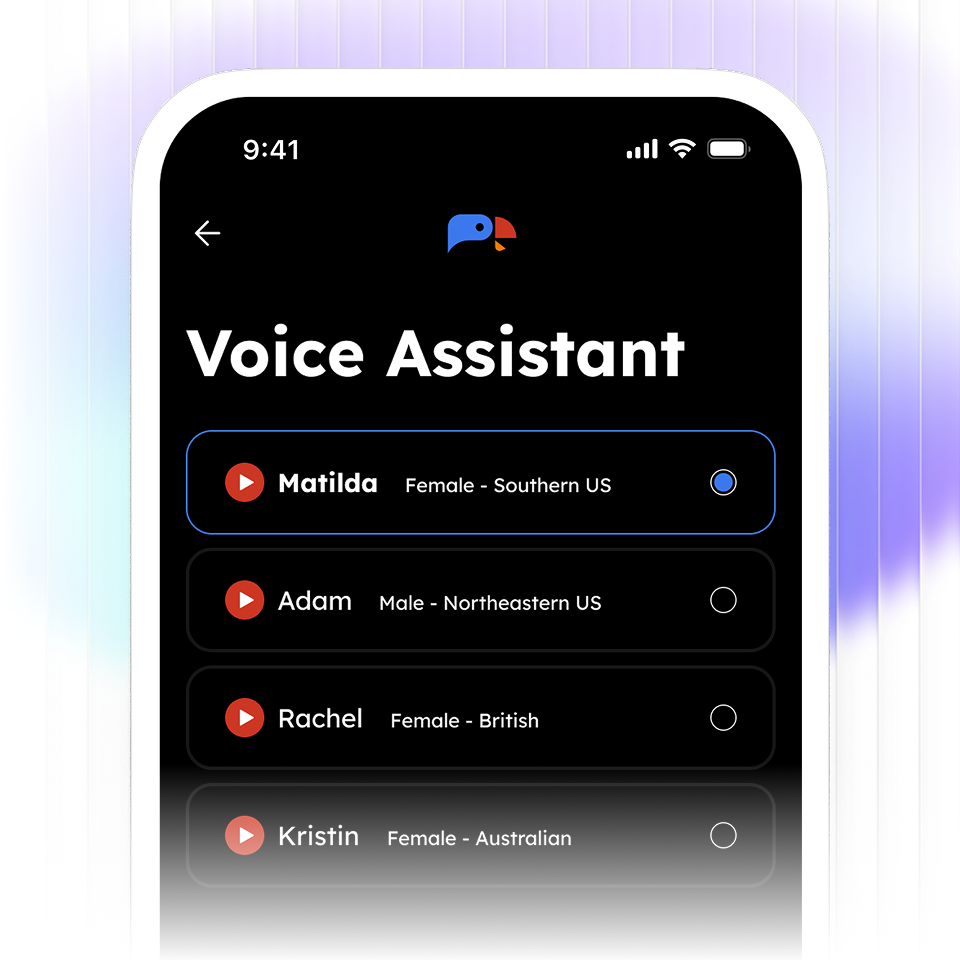
Multi-language support means you never lose a customer because of a language barrier. English, Spanish, and more.
Built for businesses that rely on phone calls

Home Services
Electricians, HVAC, roofers, garage door repair, pest control, landscaping, cleaning services.

Wellness Providers
Personal trainers, massage therapists, independent estheticians.

Professional Services
Real estate agents, insurance brokers, financial advisors, consultants, tutors.

Legal & Accounting
Lawyers, law practices, bookkeepers, tax preparers, notaries.

Auto & Repair
Auto repair, detailing, mobile mechanics, body shops, towing services.
How it works
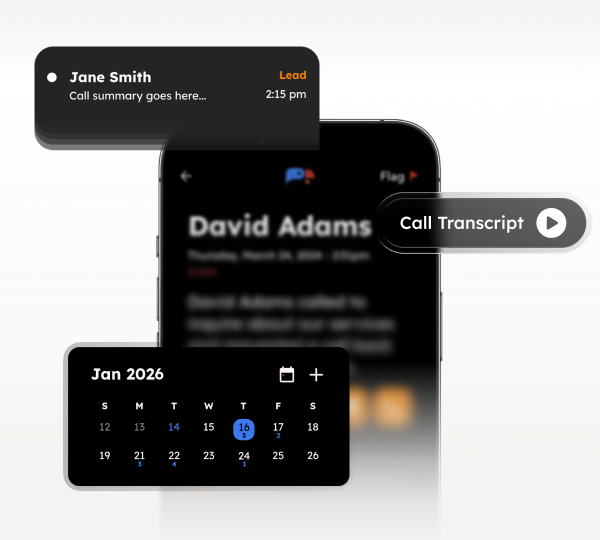
Manage from your phone
Manage your entire business from your pocket. Review call transcripts on the train. Update your calendar between jobs. Check lead details in the parking lot.
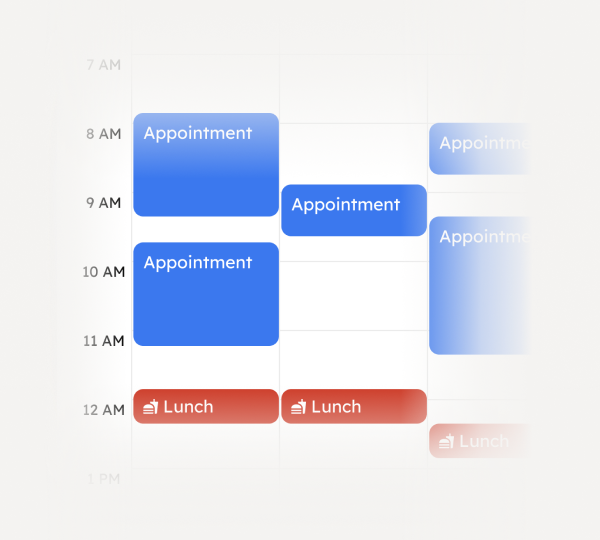
Automatic Scheduling
SquawkVoice knows your calendar, respects your buffer time, and won't double-book. Customers pick a time. You get a notification. It's in your calendar. Done.
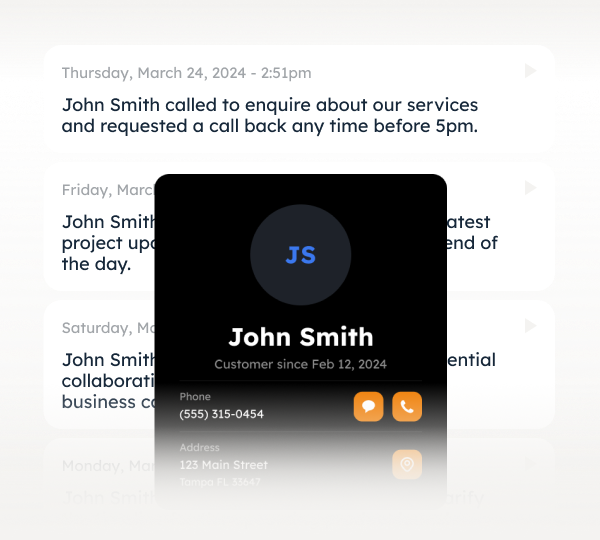
Customer details captured
Every caller becomes a contact. Full history at your fingertips: what they called about, when, how many times, complete transcripts. No spreadsheets. No memory gymnastics.
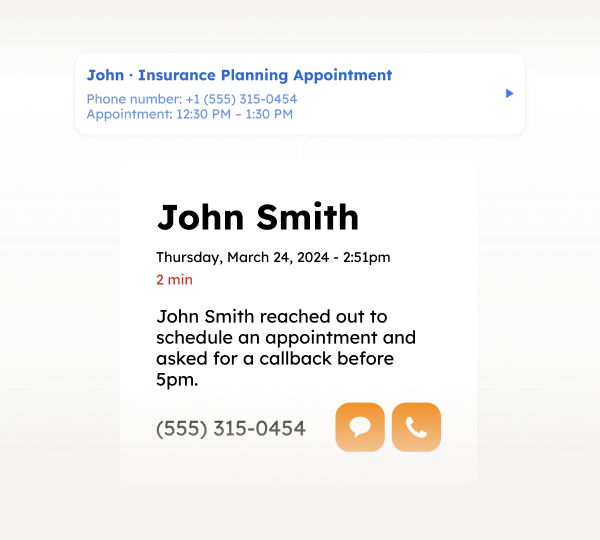
Summaries after every call
Get alerted when someone books, control what you see and when. Stay in the loop without being glued to your phone.
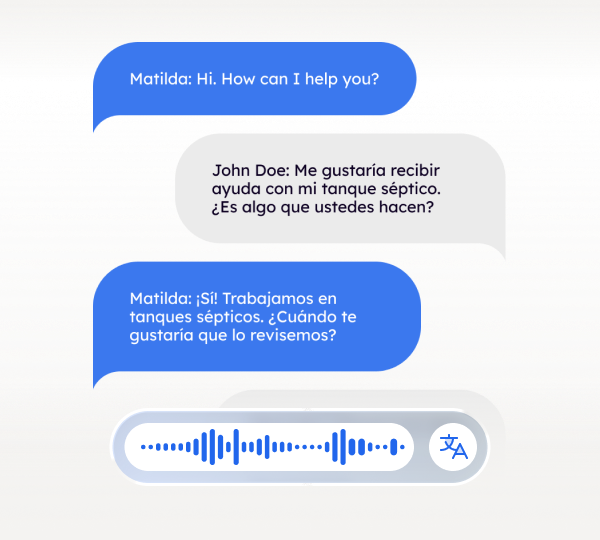
Multilingual Support
Serve Spanish-speaking customers without hiring bilingual staff. SquawkVoice handles conversations in multiple languages automatically.
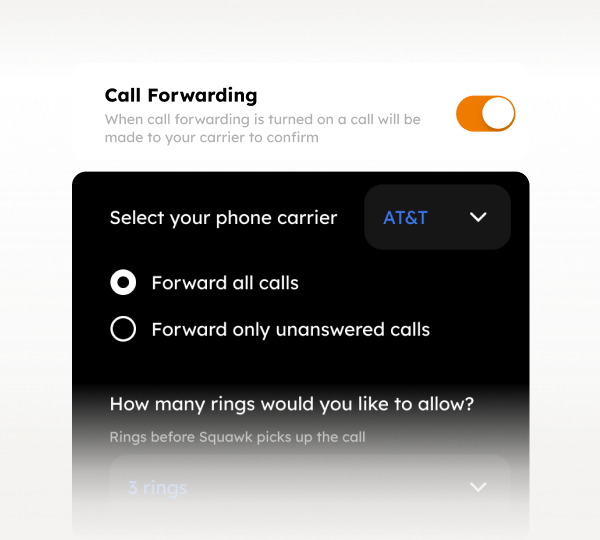
You're In Control
Toggle your AI receptionist on or off anytime. Need to handle calls yourself today? Turn it off. Going on vacation? Turn it on. You decide.
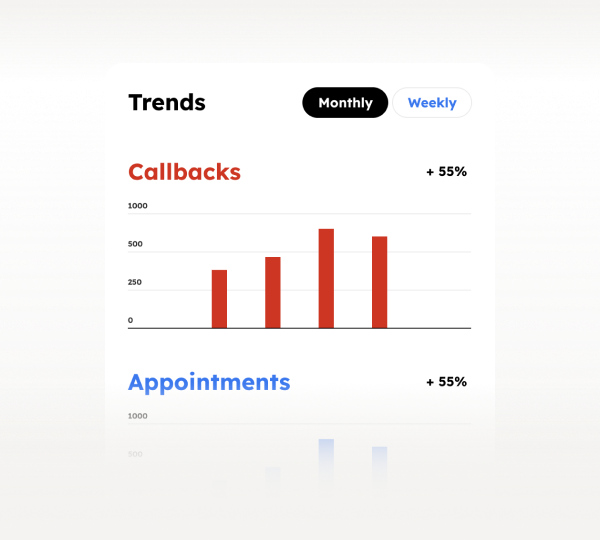
Call Analytics
See what customers are asking about. Track booking rates. Identify busy times. Understand your business through call data.
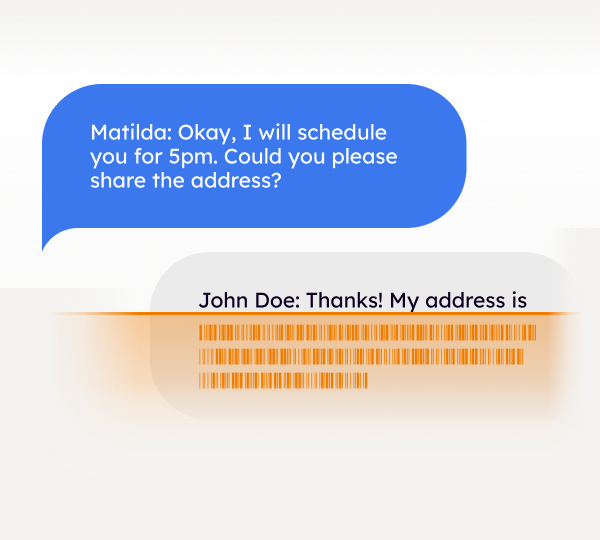
Secure & Private
All calls are encrypted. Recordings are yours alone. We never sell or share customer data. Delete your account anytime.
Manage from your phone
Manage your entire business from your pocket. Review call transcripts on the train. Update your calendar between jobs. Check lead details in the parking lot.
Automatic Scheduling
SquawkVoice knows your calendar, respects your buffer time, and won't double-book. Customers pick a time. You get a notification. It's in your calendar. Done.
Customer details captured
Every caller becomes a contact. Full history at your fingertips: what they called about, when, how many times, complete transcripts. No spreadsheets. No memory gymnastics.
Summaries after every call
Get alerted when someone books, control what you see and when. Stay in the loop without being glued to your phone.
Multilingual Support
Serve Spanish-speaking customers without hiring bilingual staff. SquawkVoice handles conversations in multiple languages automatically.
You're In Control
Toggle your AI receptionist on or off anytime. Need to handle calls yourself today? Turn it off. Going on vacation? Turn it on. You decide.
Call Analytics
See what customers are asking about. Track booking rates. Identify busy times. Understand your business through call data.
Secure & Private
All calls are encrypted. Recordings are yours alone. We never sell or share customer data. Delete your account anytime.
Better than the alternatives. By a mile.
%201.svg)
Voicemail
Human Answering Service
Hiring Front Desk
Hiring Front Desk

24/7

Never
Most calls
Business hours
Books Appointments
Automatically
You call back
Takes messages
Manually
Captures Lead Details
Full context
Maybe a name
Basic info
If they remember
Handles Multiple Languages
Yes
No
Sometimes
Rare
Works After Hours
Always
Sort of
Extra cost
Never
Monthly Cost
$50-200
Free (costs you jobs)
$300-800
$2,500-4,000
Frequently Asked Questions
What does SquawkVoice do?
How is this different from voicemail or an answering service?
What happens if a caller needs more help?
Does it work with my existing phone number?
Will I know what happened on each call?
How quickly can I get started?
Your next customer is calling right now